AmpliSoft / The platform
The platform
Your network. Your browser. Your system.
Patch Factory — Open Your Browser. Take Control.
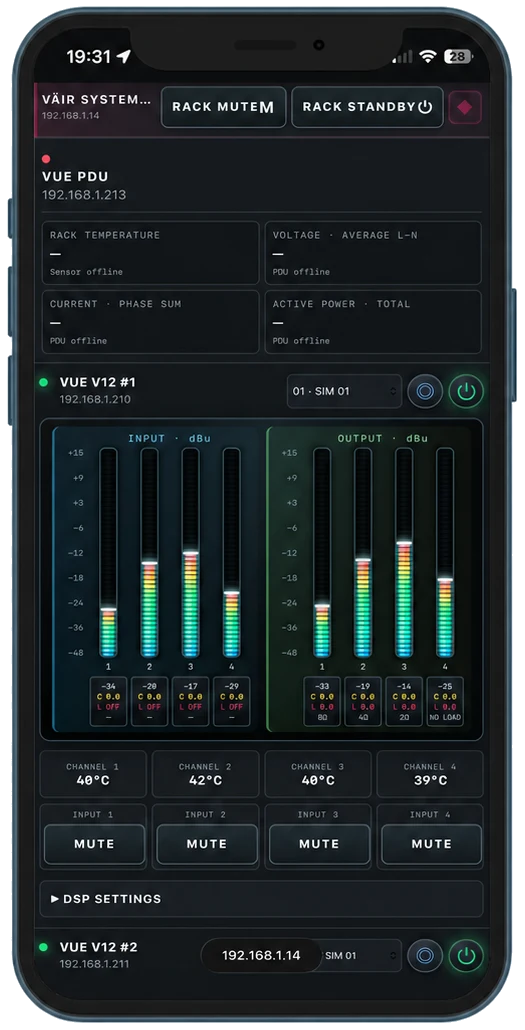
No dedicated app or software installation is required to operate Patch Factory. Connect your device to the control network and open a web browser to access the system.
The interface automatically adapts to your screen, providing a consistent experience on a phone, tablet or laptop. Make a quick adjustment beside the rack or work from a larger screen at your control position — using the same familiar interface.
Everything runs locally over the network, with no internet connection or cloud account required. Our optional configuration app simplifies initial discovery and rack setup, but is not required for everyday operation.
Your network. Your browser. Your system.
One Rack or Your Entire Touring System. One Webpage.
Control a single rack or bring all your connected touring racks together on one webpage. AmpliSoft gives you a unified view of the system, with clear rack names, colour coding and direct access to each rack’s controls.
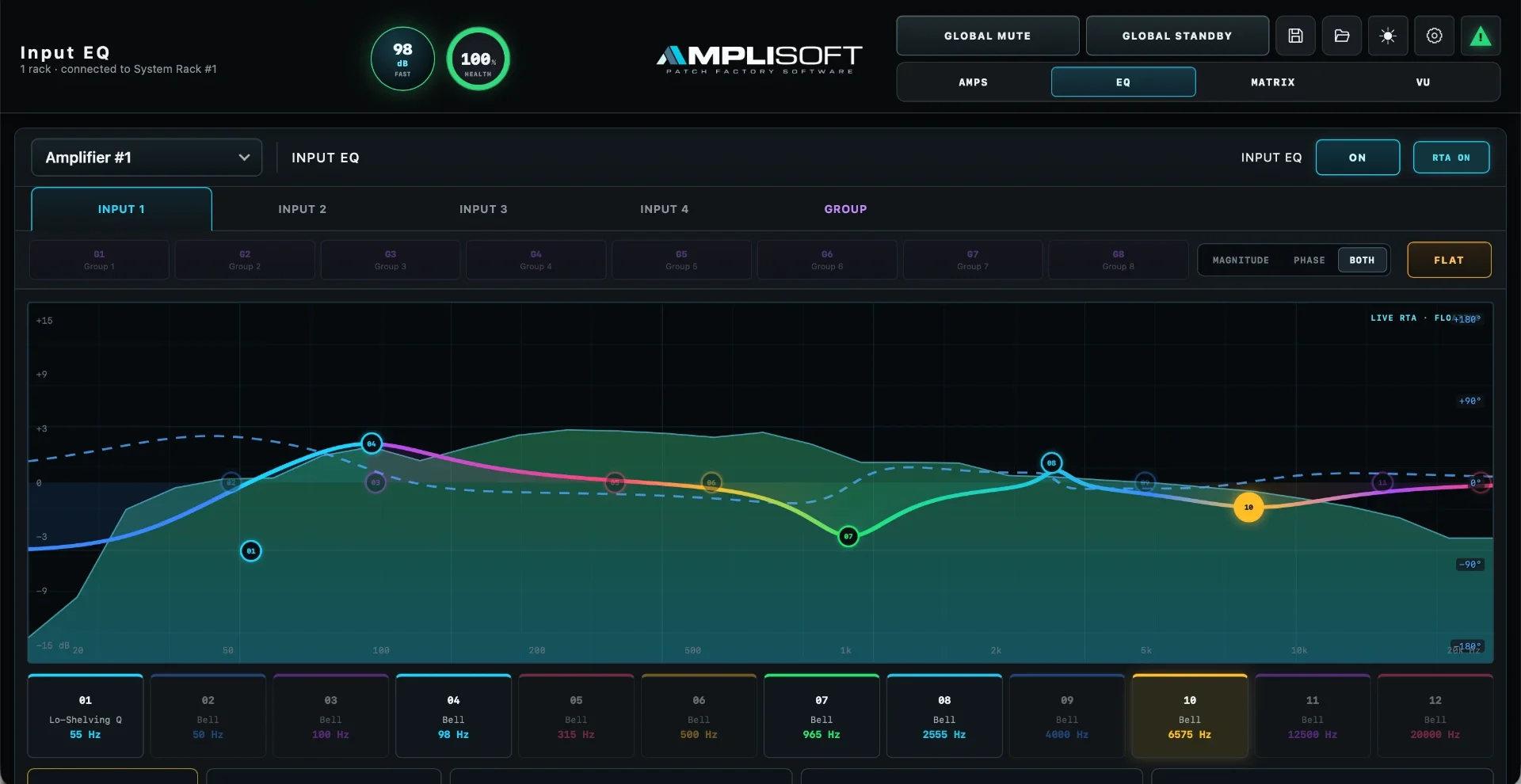
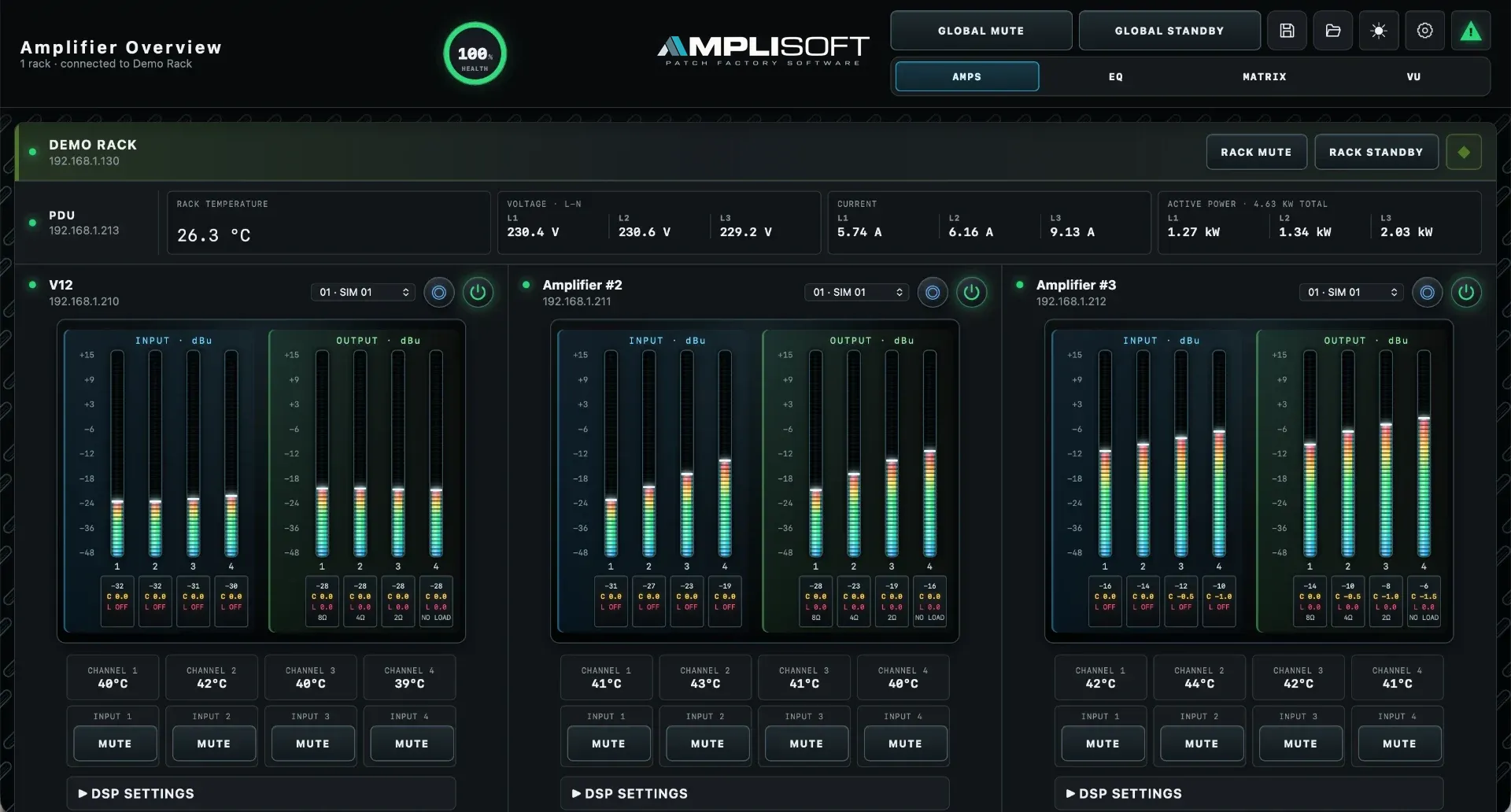
Move between amplifier settings, signal routing, DSP, power monitoring and system health without switching platforms. Use system-wide controls when you need to act across the connected racks, then open an individual rack for detailed adjustments and diagnostics.
Shared logs bring available SPL measurements, power data, amplifier telemetry and status changes into the same operational picture — helping you understand both individual racks and the system as a whole.
From a compact setup to a multi-rack touring production, the workflow stays familiar. Connect to the control network, open your browser and see your system together.
One rack. Every connected rack. One platform.
Patch Fabric — Make Complex Systems Clear
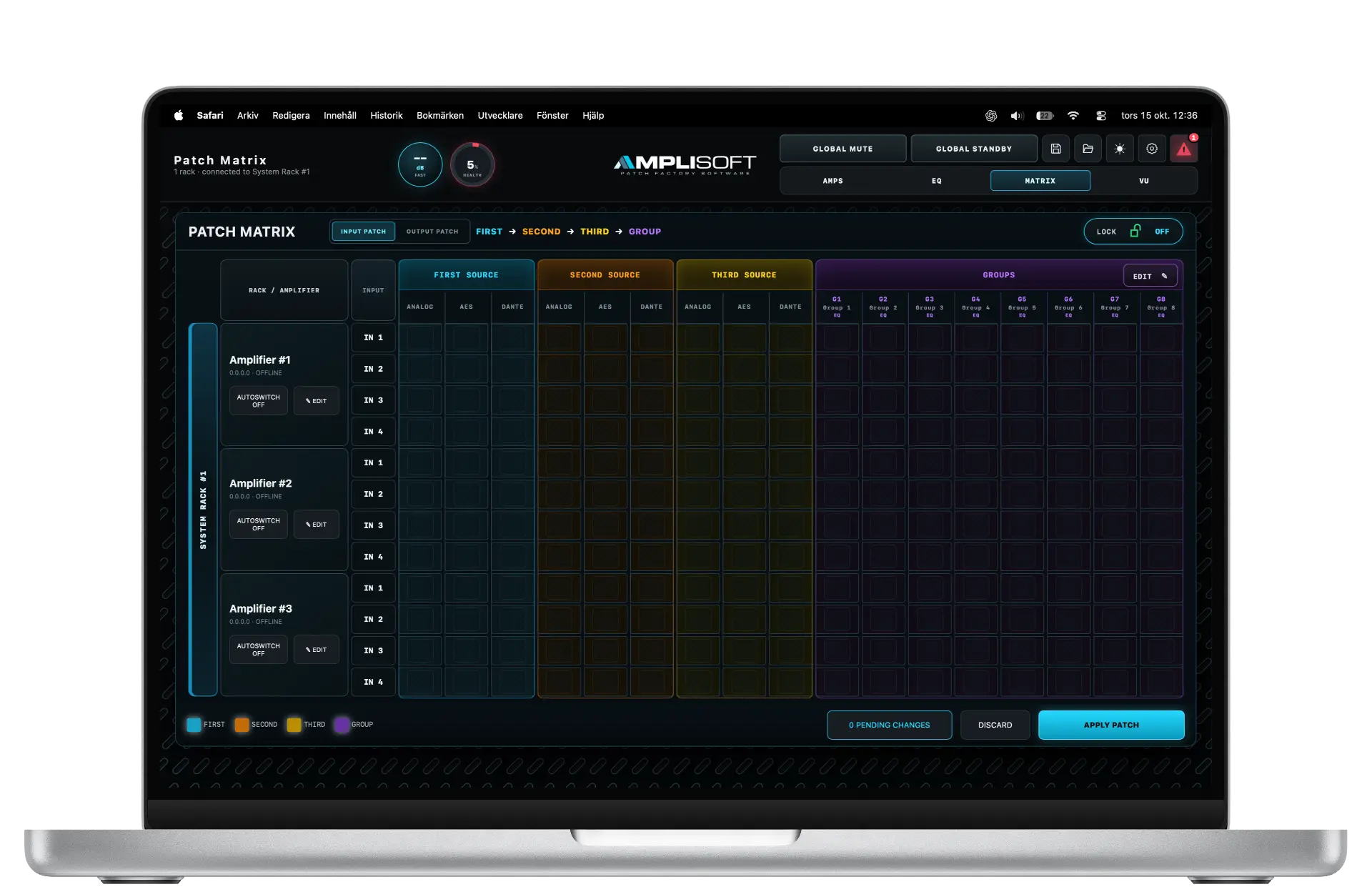
Patch Fabric brings your racks together in an organised working environment. A visual patch matrix makes signal connections easy to follow, while rack names and colour coding help you navigate larger systems.
From a single rack to a multi-rack installation, the workflow stays familiar.
Smart Configuration — No IT Expertise Required
Our configuration software helps you discover connected devices, organise racks and plan network addresses through a guided workflow.
Assign meaningful names, identify racks by colour and manage account settings across selected units. Spend less time configuring networks and more time preparing your audio system.
Built for Integration
Support for OSC and AES70 enables integration with external control systems and custom operating interfaces.
For permanent installations, AmpliSoft can become part of a wider control environment while retaining a dedicated interface for configuration, monitoring and diagnostics.
In the interface
Screenshots from the locally hosted product interface. Values shown are example readings.
Built for your next system